Blog
Voice Is the New User Interface: LigoLab Introduces LigoLab Voice
September 29, 2026
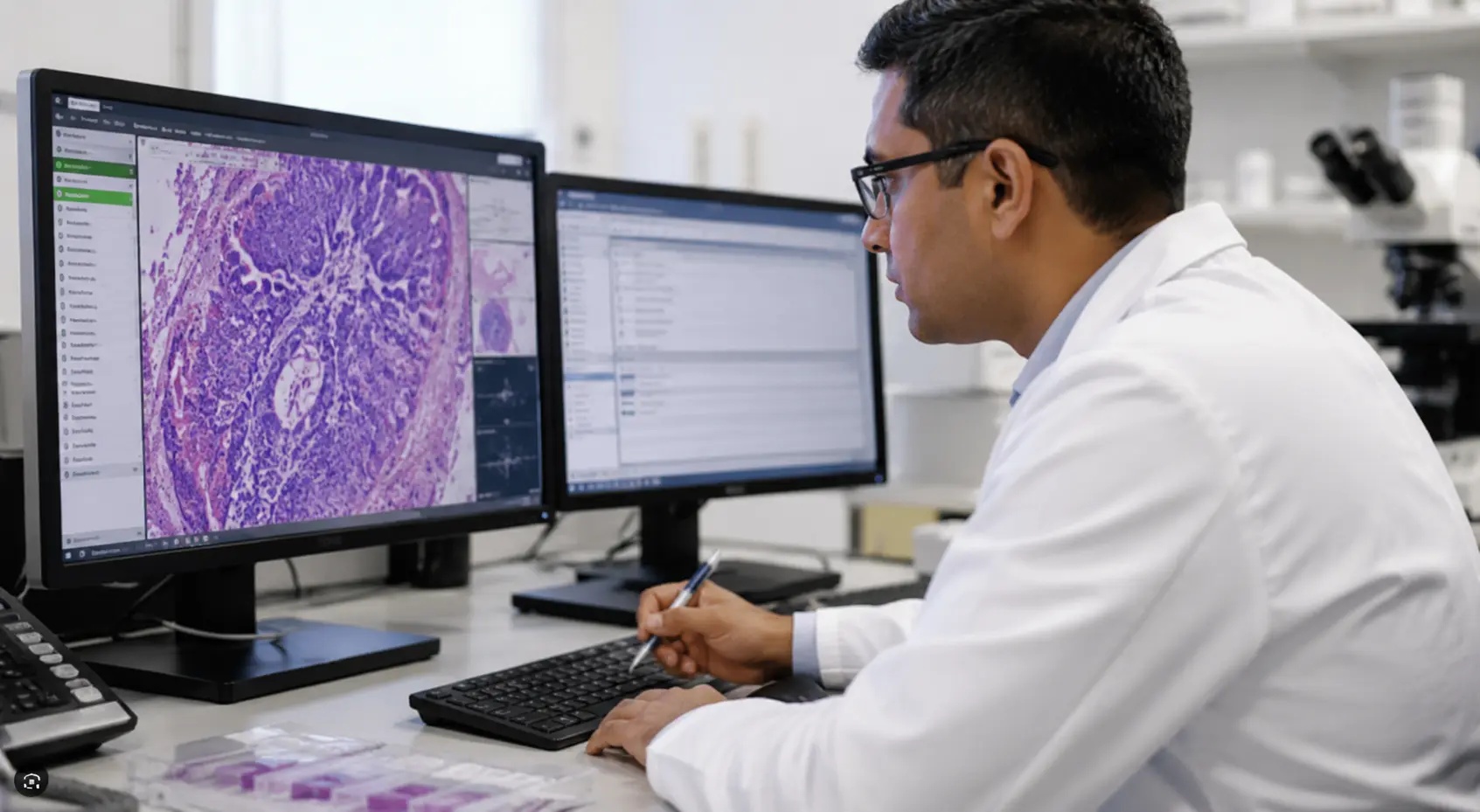
Voice is the new user interface for LIS pathology workflows. LigoLab introduced LigoLab Voice last week, bringing hands-free documentation and workflow control directly into its advanced laboratory information system (LIS) software platform.
Dictate a finding. Navigate to a case. Order a stain. Hear the lab information system respond. LigoLab Voice connects these interactions inside the platform, helping pathologists and grossing technologists keep their hands on the work and their attention on the case.
“A pathologist should be able to dictate a finding, order a stain, and continue working without stopping to navigate a series of menus,” said Suren Avunjian, LigoLab Co-Founder and CEO. “At the grossing station, the need is just as practical: hands are occupied, and the anatomic pathology software should accommodate that.”
Editor’s Note: LigoLab Co-Founder and CTO Anthony Oganesian will demonstrate LigoLab Voice live on Wednesday, September 30, at 2 p.m. Eastern / 11 a.m. Pacific. Register for the webinar.
From Speech to Action
Speech-to-text puts words on the screen. Voice as a user interface lets those words drive the workflow.
LigoLab Voice brings four everyday interactions together:
- Dictate: Capture specimen descriptions and findings directly in LIS reporting fields.
- Navigate: Move between supported screens, cases, and specimens using voice commands.
- Order: Request stains by voice within the case workflow.
- Listen: Hear system responses that help confirm actions and provide feedback as work continues.
Voice-driven stain ordering connects a pathologist’s decision to the LIS action that initiates the work. Spoken feedback closes the loop, helping users confirm actions as they continue.
Discover More: How the Best Laboratory Information System Software Helps Pathologists Sign Out Anatomic Pathology Cases Faster
Keep the Focus on the Specimen
At the grossing station, reaching for a keyboard or mouse interrupts hands-on work. LigoLab Voice lets technologists dictate specimen details and control supported LIS lab functions while staying focused on specimen handling.
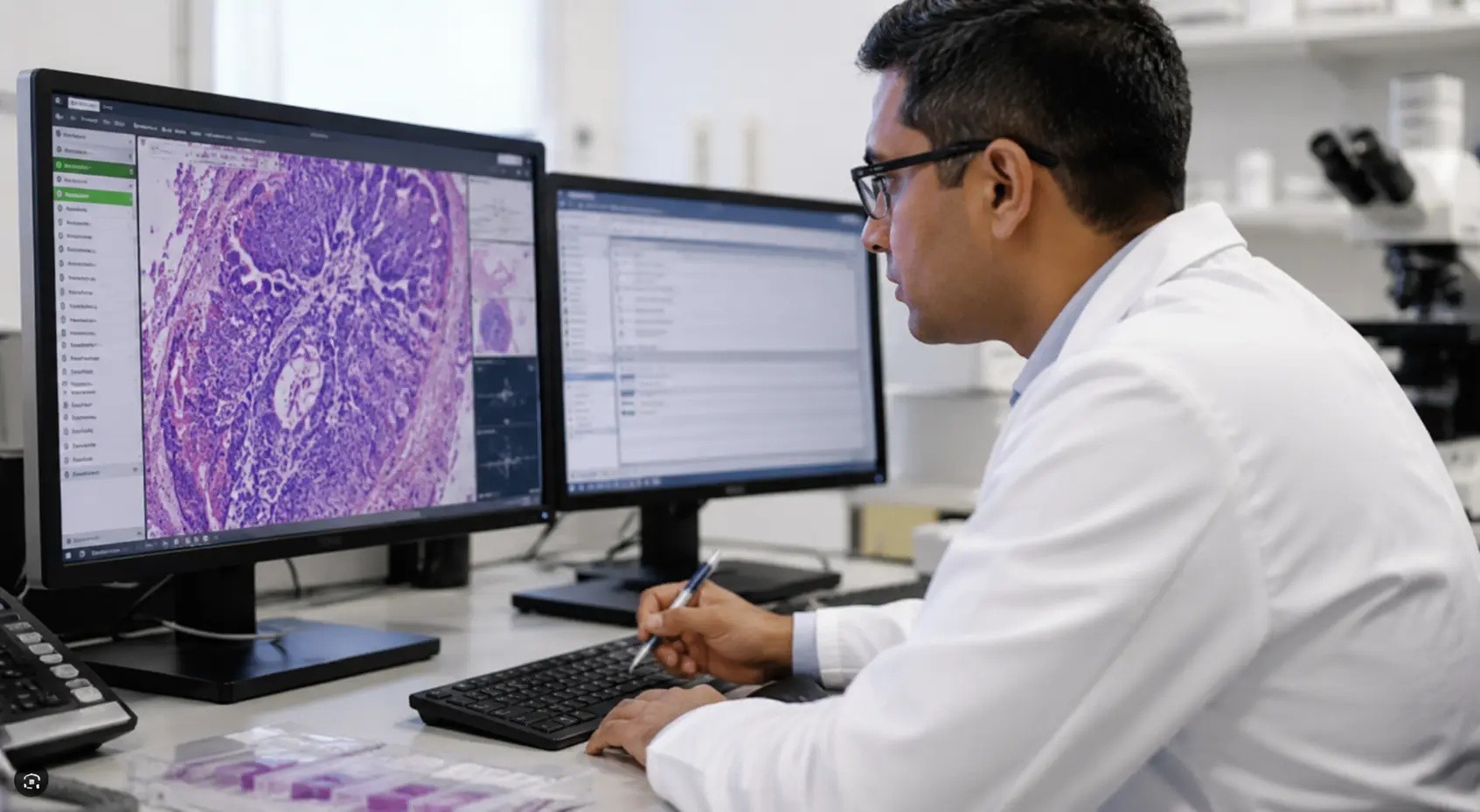
At the pathologist’s workstation, users can document findings and advance the case by voice, reducing interruptions and reliance on manual controls.
LigoLab Voice builds on the dictation, macro, and voice-navigation capabilities already embedded in the platform, including its Grossing Touchscreen and Microscopic Result Manager environments. It brings that foundation together with stain ordering and spoken feedback in a unified experience.
On-Demand Webinar: From Manual to Magical - Automation Strategies for Multi-Facility AP & Clinical Labs
Coding, Consultations, and Correlations
LigoLab Voice operates inside LigoLab’s all-in-one informatics platform, which unifies laboratory information system workflows and lab revenue cycle management. Its broader anatomic pathology LIS workflow connects the work surrounding each diagnosis:
- Code the Case: Review and manage CPT procedure codes and ICD-10 diagnosis codes, including codes populated by configured diagnostic macros and rules.
- Consult a Colleague: Route a case for internal consultation with notes that follow it into the receiving pathologist’s queue.
- Correlate Findings: Connect concurrent or historical results for the same patient and document correlations for reporting and quality review.
- Build the Report: Use diagnostic macros and CAP synoptic templates to support consistent, structured reporting.
- Track the Next Step: Follow additional slide and stain orders, specimen status, and send-out procedures from the case workflow.
- Review and Sign Out: Check clinical history, case images, coding, and outstanding work before release, then manage amendments and corrections when needed.
Documentation, coding, collaboration, and follow-up stay connected to the case. LigoLab Voice gives users a more direct way to carry out supported actions within that same workflow.
Industry Insights: ECPC’s Strategic Leap into Digital Pathology - A Connected Vision for the Future
See It. Hear It. September 30.
Join Anthony Oganesian for live demonstrations at the grossing station and the pathologist’s workstation. See dictation, navigation, stain ordering, and spoken feedback in action, then get details on supported capabilities, setup requirements, and availability during the session and audience Q&A.
The webinar is designed for pathologists, pathologists’ assistants, grossing technologists, laboratory directors, and informatics teams.
Webinar: Introducing LigoLab Voice: Hands-Free Pathology Workflows
Date: Wednesday, September 30, 2026
Time: 2 p.m. Eastern / 11 a.m. Pacific
Registration: Register for the live demonstration
LigoLab at a Glance
Founded in 2006, LigoLab develops laboratory information system (LIS) software and integrated laboratory revenue cycle management solutions for anatomic pathology, clinical, and molecular laboratories. Its all-in-one informatics platform connects departments and workflows, supporting specimen tracking, reporting, lab billing, and technical operations all within a single unified environment.
Frequently Asked Questions About LigoLab Voice
What is LigoLab Voice?
LigoLab Voice is a hands-free interface built directly into LigoLab’s laboratory information system (LIS). With this feature, users can complete supported pathology tasks through voice commands, including dictating findings, navigating workflows, ordering stains, and receiving spoken system feedback.
How does LigoLab Voice differ from traditional speech-to-text dictation?
Traditional speech-to-text primarily converts spoken words into written text. LigoLab Voice goes beyond dictation by allowing voice commands to initiate supported LIS actions. Users can document findings, navigate workflows, order stains, and receive spoken feedback without relying solely on a keyboard or mouse.
How can LigoLab Voice support pathologists?
At the pathologist’s workstation, LigoLab Voice users can dictate findings, navigate supported LIS workflows, and order stains using voice commands. This reduces reliance on manual controls and helps pathologists stay focused on reviewing, documenting, and advancing cases.
How does LigoLab Voice support the grossing workflow?
At the grossing station, LigoLab Voice allows pathologists’ assistants and grossing technologists to dictate specimen descriptions and perform supported LIS functions while handling specimens. This hands-free approach reduces interruptions caused by repeatedly switching between specimen handling and manual software controls.
Can pathologists order stains using voice commands?
Yes. LigoLab Voice supports voice-driven stain ordering within the anatomic pathology LIS workflow. This connects the pathologist’s spoken request directly to the LIS action that initiates the next step in the laboratory workflow.
Does LigoLab Voice provide spoken feedback?
Yes. LigoLab Voice supports two-way voice interaction. In addition to accepting voice commands, the system can provide spoken responses that help users confirm actions and receive feedback as they continue working.
Is LigoLab Voice integrated with the LigoLab LIS?
Yes. LigoLab Voice is built directly into LigoLab’s laboratory information system rather than functioning as a separate application. This integration keeps supported voice interactions connected to existing pathology workflows, case data, specimen tracking, reporting, and other LIS functions.
What other pathology workflows does the LigoLab LIS support?
LigoLab’s anatomic pathology LIS supports workflows that extend from accessioning and specimen tracking through grossing, testing, diagnosis, reporting, and sign-out. The platform also supports coding, internal consultations, result correlations, diagnostic macros, CAP synoptic reporting, additional slide and stain orders, send-outs, amendments, and corrections.
Who can benefit from LigoLab Voice?
LigoLab Voice is designed for pathology environments where hands-free interaction can make laboratory workflows more efficient. Potential users include pathologists, pathologists’ assistants, grossing technologists, laboratory directors, and informatics teams looking to reduce manual interactions and streamline workflows.